How to Compare Supplier Offers for the Same ASIN
Updated July 27, 2026
Two suppliers can appear to offer the same product while using different case quantities, minimum orders, shipping terms, or product variants.
A useful comparison keeps each offer as its own row and normalizes costs only after the exact Amazon listing match is confirmed.
Quick answer
Normalize every offer to the same sellable unit, confirm each source product matches the exact ASIN and pack quantity, calculate landed unit cost, then compare MOQ, availability, shipping, terms, lead time, and supplier reliability. The lowest catalog price is not always the lowest usable cost.
Practical checks
Before using a supplier file for product decisions, make sure these points are covered.
- Exact ASIN and variation match
- Cost normalized to one sellable unit
- Case quantity and MOQ preserved
- Inbound shipping included
- Availability and lead time considered
- Supplier source remains traceable
Confirm the Offers Are Actually Comparable
Match model, size, color, pack quantity, condition, and included accessories. Similar supplier titles and shared barcodes can still produce an incorrect listing match.
Keep uncertain offers separate until the supplier confirms the product. Do not average or merge ambiguous rows.
Calculate the Landed Unit Cost
Divide case cost by sellable units only when the case can be broken and sold as those exact units. Add freight, preparation, labeling, discounts, payment fees, and other costs that differ between suppliers.
Record both the original catalog cost and the calculated landed unit cost. This makes it easier to check the comparison again when terms change.
Compare More Than Price
MOQ, available stock, lead time, payment terms, return policy, authorization, and consistency can change the real value of an offer. A slightly higher unit cost may require less capital or arrive sooner.
Use a notes or decision field to explain why an offer is preferred. Price alone is not enough for a repeatable purchasing process.
- Minimum order quantity
- Available inventory
- Lead time
- Freight terms
- Payment terms
- Authorization and documentation
- Returns and damaged-goods policy
Export the Winning Offer With Its Source
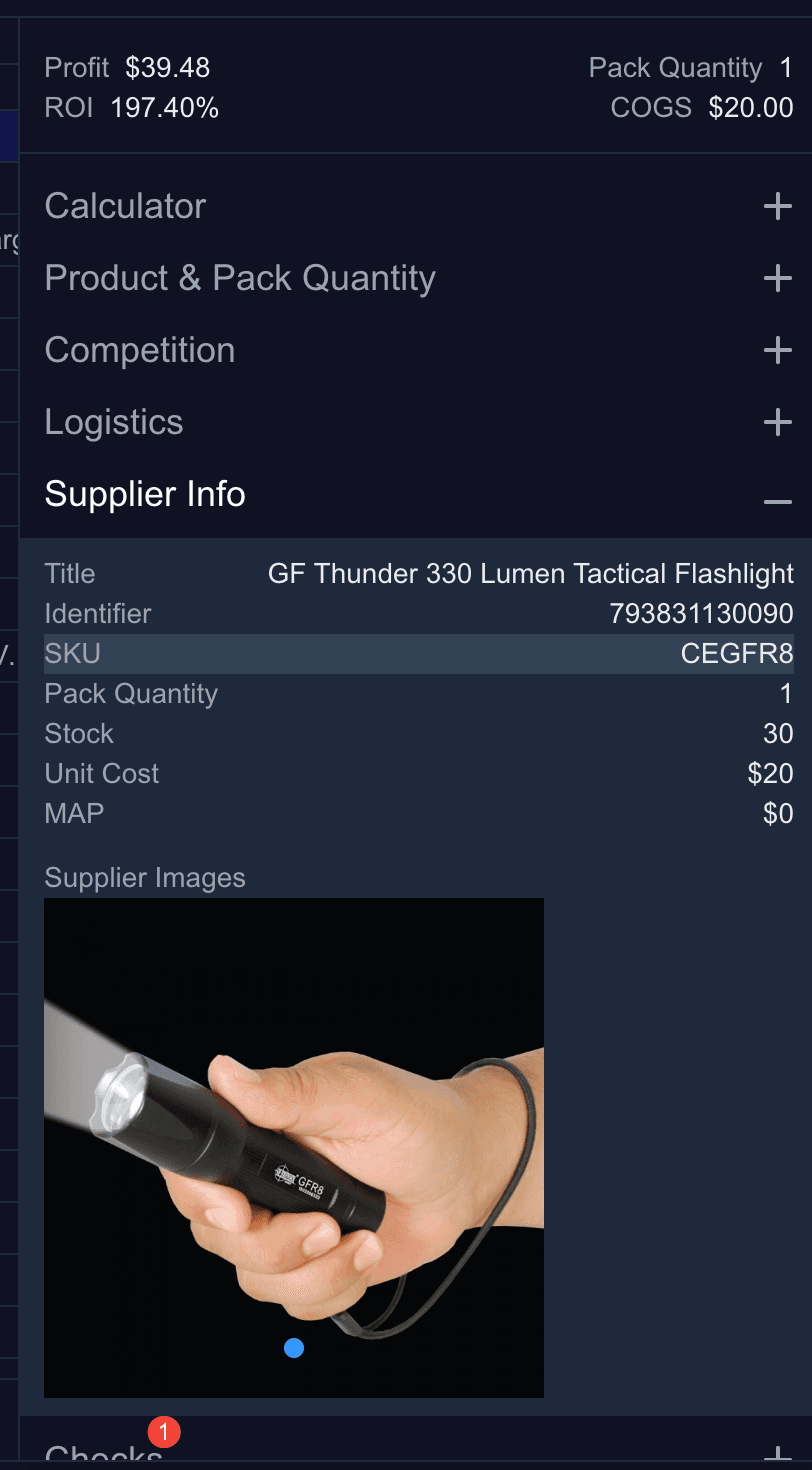
When one offer passes, preserve supplier SKU, supplier name, contact or source reference, quoted cost, date, MOQ, and any negotiated terms.
Recheck the quote before placing an order. Supplier prices and availability can change after the analysis was created.
Apply the Same Rules Across the Full Catalog
Rocket Source matches supplier identifiers to Amazon listings, calculates profit and ROI, and helps you apply pricing, cost, and exclusion rules consistently across every row.
Compare Rocket Source plansRelated Guides and Tools
- Supplier price list analyzer
- Prepare an Amazon wholesale CSV
- Analyze a supplier price list
- Rocket Source data export
- Amazon price drops and sourcing risk
- Find Amazon wholesale suppliers
Official Resources
FAQ
Can two supplier rows with the same UPC have different costs?
Yes. Suppliers may use different case quantities, discounts, freight terms, or availability. Confirm the product and normalize every offer to the same sellable unit.
Should I always choose the lowest supplier price?
No. Compare landed cost, MOQ, inventory, lead time, terms, documentation, and reliability. The lowest catalog price can require more capital or carry more risk.
How should duplicate ASIN offers be stored?
Keep one row per supplier offer and use the ASIN as a grouping field. Preserve each supplier's SKU, original cost, quantity terms, and source.