How to Analyze a Supplier Price List for Amazon Wholesale
Updated July 27, 2026
A supplier catalog can contain thousands of products, but only a small portion may fit your marketplace, account, costs, and buying rules.
The fastest responsible process applies broad, consistent filters first and reserves manual research for products with enough margin to justify it.
Quick answer
Clean the supplier file, match each reliable identifier to the exact Amazon listing, calculate landed cost and selling fees, use a conservative price basis, apply minimum profit and ROI filters, and review restrictions and listing quality before creating a shortlist. Passing rows still require supplier and product validation before ordering.
Practical checks
Before using a supplier file for product decisions, make sure these points are covered.
- Reliable identifier match
- Correct pack quantity and variation
- Complete landed cost
- Conservative expected selling price
- Minimum profit and ROI met
- Restrictions and listing risks reviewed
1. Match the Supplier Row to the Exact Listing
Use UPC, EAN, ISBN, or ASIN values where available. Confirm product size, color, model, pack quantity, and condition before trusting a profitability result.
Keep uncertain or multiple matches in a review queue. A forced match creates precise calculations for the wrong product.

2. Calculate Landed Cost and a Conservative Sale Price
Include product cost, case-pack math, inbound shipping, preparation, labeling, and other unit costs. Do not use a supplier's suggested retail price as your expected Amazon selling price.
Compare current price with historical context and test a lower planning price. A deal that only works at a temporary high needs a lower cost or a smaller order.

3. Filter Before Deep Research
Set minimum profit, margin, ROI, price, rank, and other rules before reviewing rows. Add brand or product exclusions that reflect your account and sourcing policy.
Filters reduce repetitive work; they do not approve a purchase. Review restrictions, product safety, intellectual-property risk, supplier legitimacy, and listing quality separately.
4. Export a Traceable Shortlist
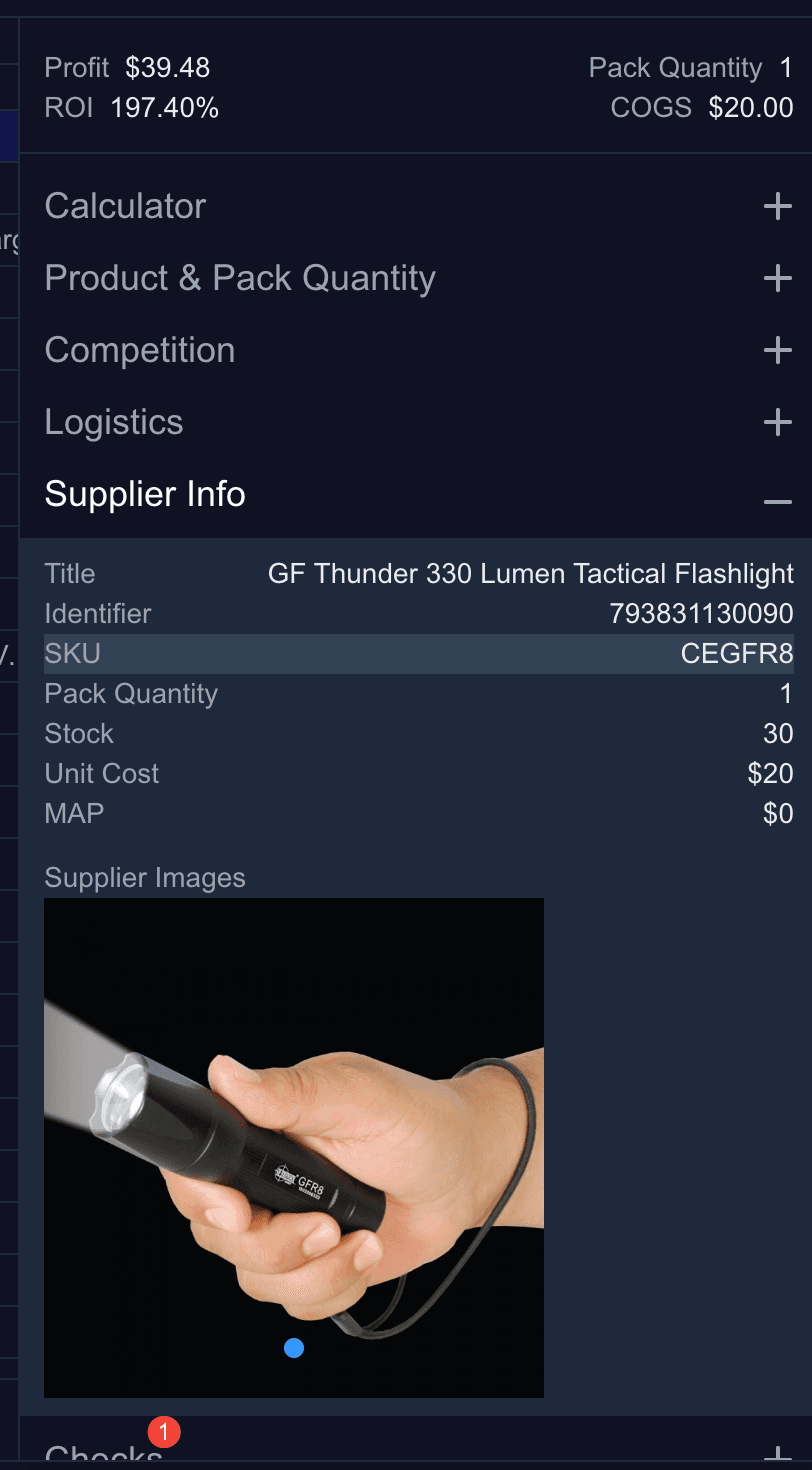
Export only rows that pass your initial rules, but keep supplier SKU, supplier title, cost, MOQ, source, and open questions next to the Amazon data.
The shortlist should make the next action obvious: reject, request better pricing, validate the supplier, test a small order, or complete deeper product research.
Apply the Same Rules Across the Full Catalog
Rocket Source matches supplier identifiers to Amazon listings, calculates profit and ROI, and helps you apply pricing, cost, and exclusion rules consistently across every row.
Compare Rocket Source plansRelated Guides and Tools
- Supplier price list analyzer
- Prepare an Amazon wholesale CSV
- Analyze a supplier price list
- Rocket Source data export
- Best Amazon bulk analysis tools
- Compare supplier offers for one ASIN
Official Resources
FAQ
What is a supplier price list analyzer?
It matches supplier product data to marketplace listings, combines source costs with selling data, and helps apply consistent filters across a catalog.
Can software decide which wholesale products to buy?
No. Software removes repetitive matching and calculation work. The seller still needs to validate the supplier, product, restrictions, listing, demand, and order decision.
How many products should pass a supplier scan?
There is no correct percentage. The result depends on catalog quality, costs, marketplace, account eligibility, and your thresholds. Focus on decision quality rather than pass rate.